Idea – Beat Box

Idea – Beat Box?

Description

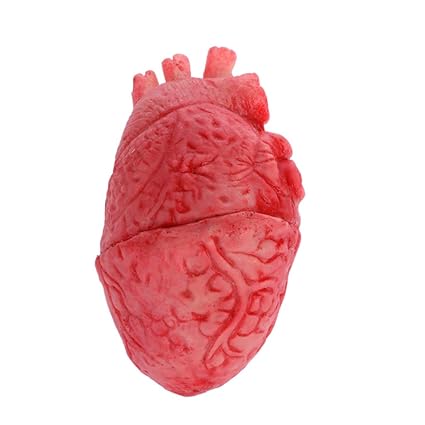
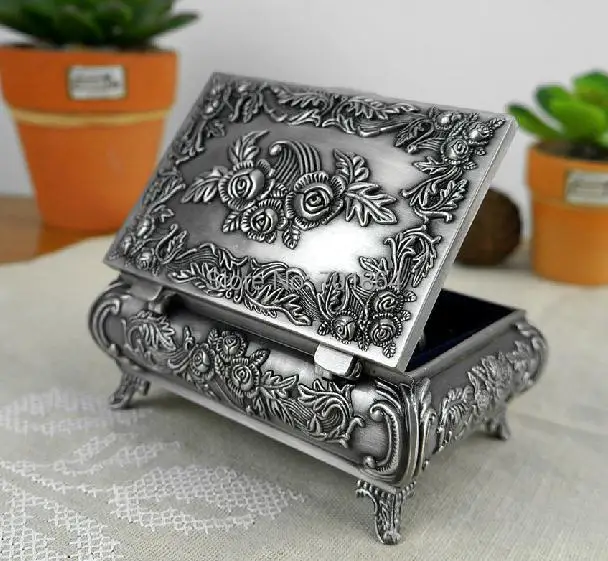
Beat Box is a self-reflection interaction with a box containing a beating heart. As an interactor opens and holds the metal jewelry box, the heart within will began to beat matching the interactor’s own heart rate using conductivity and a servo motor. Four or more hidden RGB LEDs will light the interior of the box with color. The color and intensity will be controlled by the same input data as the heart. Lower the rate, cooler the colors while higher the rate, warmer the colors and brighter it is within the box.

This piece is merely part of a modified version of a final piece. There would be two boxes on display facing one another. As the interactors hold onto the boxes, each heart would beat to the other person’s heart rate.


Other Options

  • I would add in a small speaker to create some type of ambient, droning beat to match the heart rate.
  • Instead of a metal jewelry box, the heart would be suspended in the heart within an acrylic enclosure as if it was floating. The interaction would be the same, but the input would have to be adjusted. The viewers would have to lay their hand on a platform for the heart to beat.
  • The last alternative for a gallery version would be the main artist would wear a monitor during the show. The heart would beat in sync with the artist in real time for everyone to view.

Sketch

Components Needed

  • Rubber heart
  • Metal jewelry box
  • Acrylic plastic to split the box
  • Arduino board
  • Servo motor with 2 attachments to push the heart
  • Cloth interior – hide electronics
  • RGB LEDs
  • Arduino battery

Required Outputs

  • RGB LEDs
  • Servo Motor to drive heart

Required Input

  • Metal conductive material to get heart rate


Blog Entry – Research and Project Updates – 2019 #11

This week, I have been working on more shapes of the head for my 3d digital art course and my thesis. This character will be fully sculpted so I am trying to find a shape I like. As of now, I am leanings towards the second head. (longer skull, and droopy chin) I do like the fourth one day as well but I believe it is too close to Picard from Star Trek. Nevertheless, I will find the shape and go along with it to finish the project.

Thats the Spot!

Thats the Spot!


Hardware Components Used

  • 1 Green LED
  • 2 Yellow LED
  • 3 330 Ω Resistors
  • 2 10k Resistors
  • 1 Servo Motor
  • Arduino Uno Board
  • Breadboard
  • 5-volt power
  • Soft Potentiometer
  • Flex sensor
  • Cardboard
  • Ducktape
  • Piezo Buzzer
  • 14 wires

Concept


Description:

That’s the Spot! is an interactive game where the interactor controls a servo motor with a soft potentiometer. The motor head collides and bends a flex sensor. As the flex sensor bends, the LEDs will light up from yellow to green. If the interactor discovers the “spot” and holds the position, the piezo buzzer will play a jingle. After the interaction, the system resets and a new spot is selected for a different experience.

As they interact, the interactor should feel determined. They should feel the struggle to find the correct spot to complete the sequence. The personal value of the piece was the challenge of the flex sensor and the board design. Since the breadboard is small, I struggled to create a smooth interaction between the servo and flex sensor. Besides the design, the flex sensor sensitivity is short. I mapped and constrained the values for the interaction to work correctly.

Possible idea for the structure:

I envision this piece as being contained within an acrylic structure with one side being brass. The side of brass would be the interface with the soft pot and LEDs connected too. The rest of the piece would be a clear shell which will allow the interactor to view all the working parts interacting with itself. The style would be a mix of steampunk and sciFi.

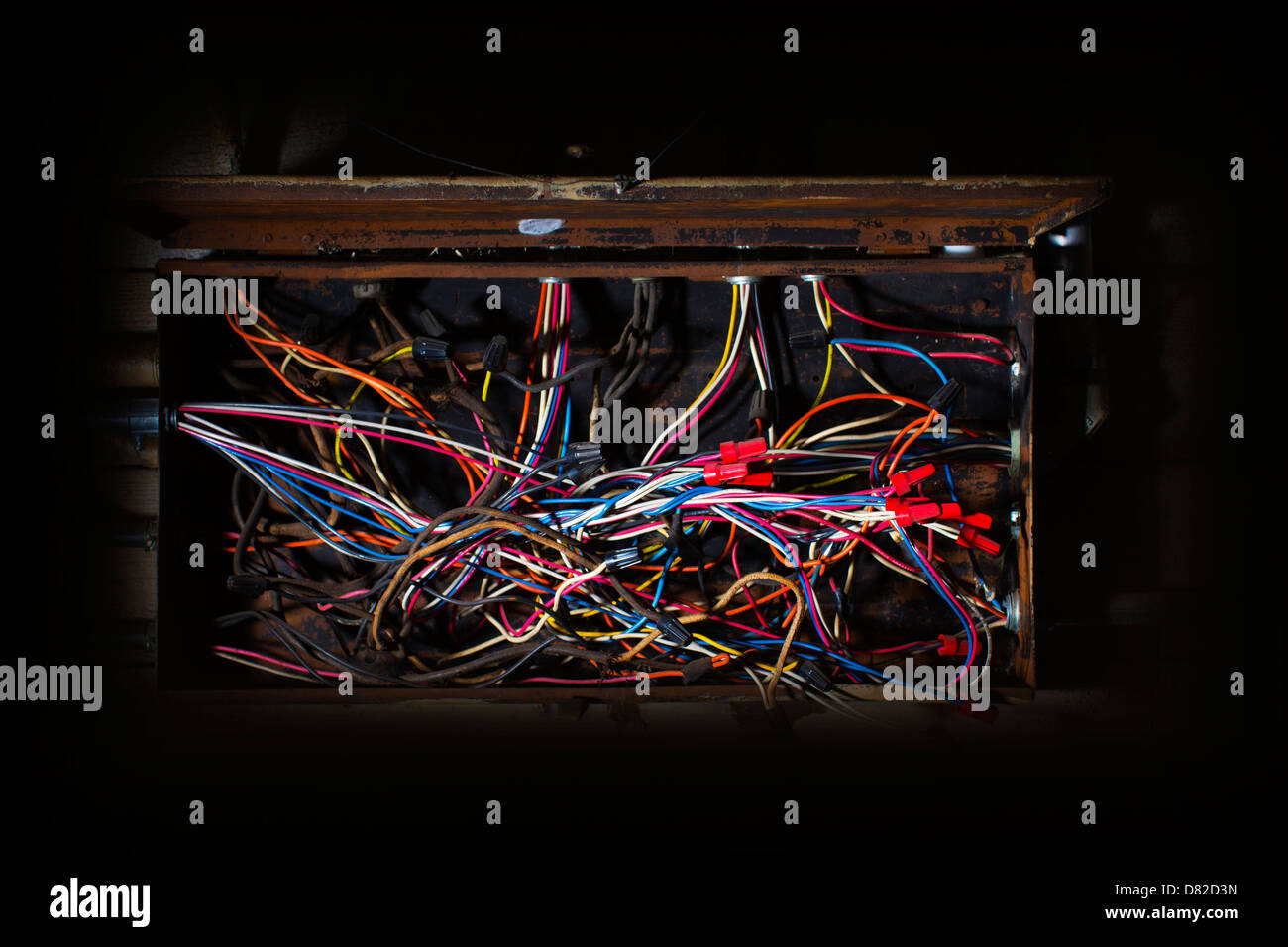
To fill the negative space within the shell, there would be a mess of colorful wires. Example: 


Blog Entry – Research and Project Updates – 2019 #9

Links to Final Proposal References:

https://www.artstation.com/artwork/GyokN

https://www.artstation.com/artwork/XB1drY

http://www.zbrushcentral.com/showthread.php?195454-quot-Is-this-some-kind-of-bust-quot-my-zbrushworks/page11&p=1216106#post1216106

http://www.zbrushcentral.com/showthread.php?195454-quot-Is-this-some-kind-of-bust-quot-my-zbrush-works&p=1150220&infinite=1#post1150220

https://www.artstation.com/artwork/wOGK9

https://abduzeedo.com/splendid-digital-sculptures-james-w-cain

http://www.zbrushcentral.com/showthread.php?175208-Dishonored-The-Character-Art-(new-images-pg-3-5-6)/page5

https://www.deviantart.com/corderostorm/art/Dishonored-Assassin-Daud-fan-art-625870298

http://www.zbrushcentral.com/showthread.php?175208-Dishonored-The-Character-Art-(new-images-pg-3-5-6)

https://www.artstation.com/artwork/L0VDK

ART JAM – dishonoured wip

https://www.artstation.com/artwork/gW4ZE

https://www.artstation.com/artwork/0Zx5w


Some tutorials:


Scifi Decal Panels – Substance

SciFi Decal Panels Substance

Software

  • Allegorithmic Substance Designer
  • Unity Engine

Substance Graph

Features

Description:

SciFi Decal Panels is a procedural material created in Substance Designer. With so many features, the material can be used in numerous applications and environments such as space stations/ships, futuristic environments, Decals for ceilings, floors, or walls, etc. The texture is using PBR metalness/roughness workflow and was created with realism in mind.

The goal of the project was to create a “kit” that could be used to help designers speed up detailing a environment with a many different panel decals in a instant. As well as exploring and understanding the use of procedural kits using Substance Designer.

Blog Entry – Research and Project Updates – 2019 #8

This week I have been focusing on finishing up my substance kit. Currently, I am finalizing the color maps but I have been running into constant issues. For example, I work on a certain shape setup then turn on another and it does not work or a switch does not turn off. Trying to debug this rat’s nest is horrible but I am making way. I am planning on tomorrow as the final day to work in substance designer. The rest will be in Unity using the kit.

Here are the current graph and in editor 3d/texture:

After finishing this project, I will move onto working on the character as I am going to create a proposal presentation. I am going to focus more on the sculpt and what references I will follow. Other information I will be deciding: back story, style, time period, and final render for the sculpt. I am also hoping I find some time to do a few more sketches to help my direction.


Blog Entry – Research and Project Updates – 2019 #7

This week I focused on completing my substance designer project. After a week of working on it, I realized that designing the concept for the “kit” should have been my first task. Designing on the fly with a node base system…….makes a mess.

I tried using other graphs which helped clean stuff up a bit but I ended up using one main graph so I can expose more parameters. Maybe with more time, I can figure out a way to reference other graphs’ parameters.

After this weekend’s grind, I am at the final stretch. With the project due date being extended, I can put more time into coloring and give it a polish pass. A major issue I am having is with the height depth. Everything looks flat even after the tessellation. I might have to go in the beginning of the graph where I declared the basic shapes, and create a basic bevel to give it some dynamics.

Here are some screenshots from unity – displaying the kit:

My other projects/journey, I have not had the chance to drop the lipsync plugin into Unity. The instructions seem intense so I will dive into that this week. I have a feeling I will have to import a character with a facial rig (using blendshapes) to make sure it works in my Unity project. I think if I can get it imported Unity and working (or seem like it is working), I need to get it interacting with the kinect. From there, I should be in a good place to start sculpting the character. Although…..

I am worrying a little at this point. It is already HALF WAY through the semester!

I have to start shifting my time into the semester paper. I have an idea about the paper. Something along the lines of color and the affects on humans but I am not sure. I need to create an outline or proposal first.

Holo-Pods

Holo-PODs


Description

Holo-PODs is an immersive experience that uses real-time data of selected locations around the world. A Pod is about 8’ in height and should be built with a radius wide enough to fit one person. Inside the pod, the viewer will be able to see a video playback from the live feed of the 360 camera. The viewer will be able to turn fully around inside the pod to see everything as if they were there at the location. The location device will also have a photo-resistor which will send brightness data to an array of LED lights which are built into the pod to simulate the lighting – Sunlight, Moonlight, ambient lighting. Another sensor on the device would be the temperature sensor which is capturing the location’s temperature in real-time. The temperature data will be connected to the environmental control of the pod. An example, the location is the Grand Canyon which is at 90 F, the pod would make sure it is the same at 90 F.

The piece is to immerse the viewer and to “teleport” them to a location in a instant. Most importantly this interaction is meant for an escape of daily life. It invites the user to relax and experience parts of the world in a flash by walking into one of the Holo-PODs.

A few expected emotional responses could be excitement, happiness, and to be surprised.

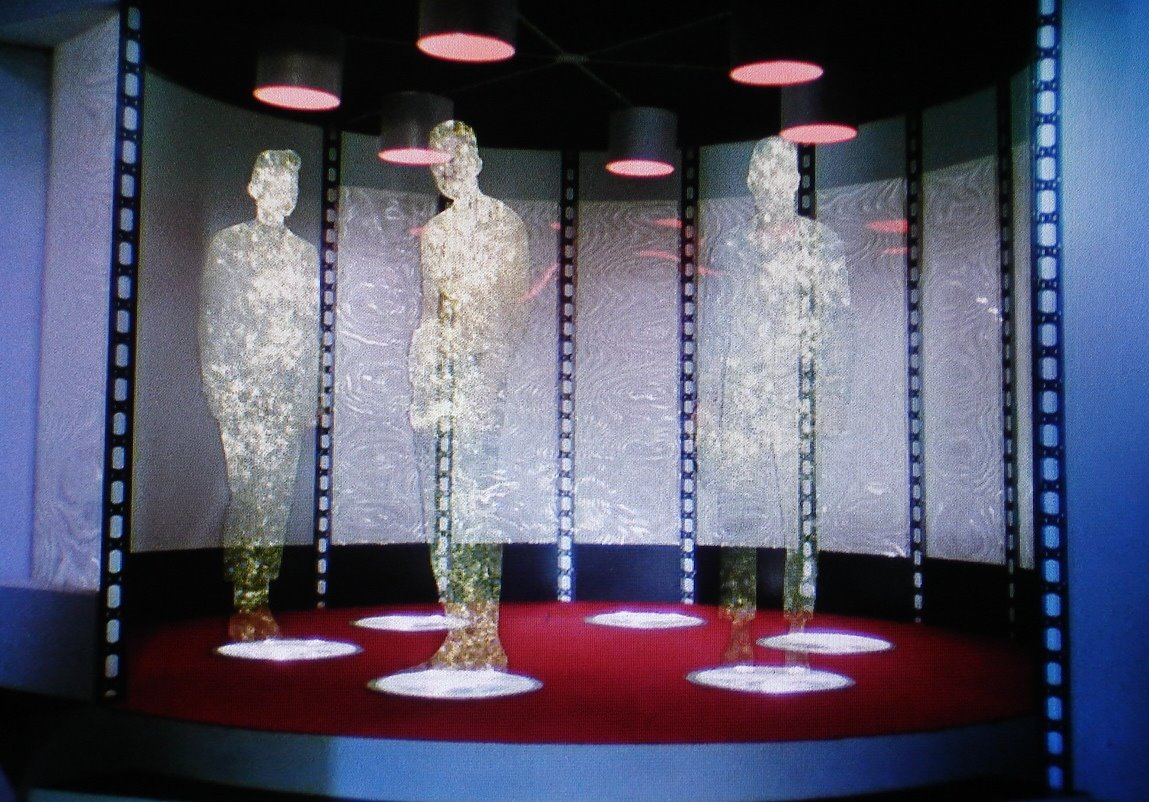
I was inspired by another fellow graduate student with their concept of a 360-blogger hat that would be experience through VR. Another inspiration would be from Star Trek’s Holodeck.


Inspirational Images/Components used in my Design

https://cdn.arstechnica.net/wp-content/uploads/2017/08/Star-Trek-Transporter.jpg
https://img-s3.onedio.com/id-58a17d1a69f471a201300837/rev-0/raw/s-b14223fecb985d39bf3ef754d7b13ed9924874fc.jpg
https://scifanatic-wpengine.netdna-ssl.com/wp-content/uploads/2018/10/realholodeck-head.jpg

Sketch

Components Needed

  • A location device
    • 360 camera
    • Temperature Sensor
    • Photo-resistor
    • Cellular data or WiFi
  • Pod structure
  • Projector (to project the video) or a flexable LCD screen (OLED?)
  • Temperature control for pod
    • Heater
    • Coller
  • Array of LEDs

Blog Entry – Research and Project Updates – 2019 #6

3d digital art

This sprint was to start getting in the customization in Substance Designer. For some reason, I feel I am over complicating the design layout. Creating shapes is not the issue but rather the connection of customization in Unity. I am at a point where I need direction to either make preset panels or keep what I am doing right now and make it real time customizable panels. I believe that later is what the professor wants. Here are some WIP screenshots:


Direct Studio/Thesis Project

My focus on the project was to get a rigged character in from Adobe Mixamo. I ended up customizing the character and merging two different toons. Right now, it is in the scene and has a idle animation on it. I discover a huge design problem that I need to keep in mind. Aspect Ratio of the frame…. I could not find a decent 16:9 look. The ratio is too wide for a traditional looking portrait I envision. Good news, I have an idea where I would crop in using a different ratio like 4:5 and then build the physical frame to crop and hide the screen. This should be the best and fastest fix for the issue. Here are some screenshots with different aspect ratios.


Human-Computer Interaction

This sprint I focused on writing projects for my portfolio website. I used a few past projects – The Take House on the Hill, Floating Pyramid, and Simon Says…Photo-resistor. The formatting for the 3d art is close to what I already have but I might update some old posts and remove older art from 2012 that does not reflect my current skills.